The Elements section contains the following tools:
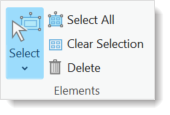
•Select: Select elements by clicking, drawing a box (or polygon or lasso around them), or drawing a line that intersects the element.
•Select All: Select all elements on the template.
•Clear Selection: Clears the element selection.
•Delete: Deletes the selected items. For items that reference a file or folder on a disk, the file or folder is deleted from the file system.
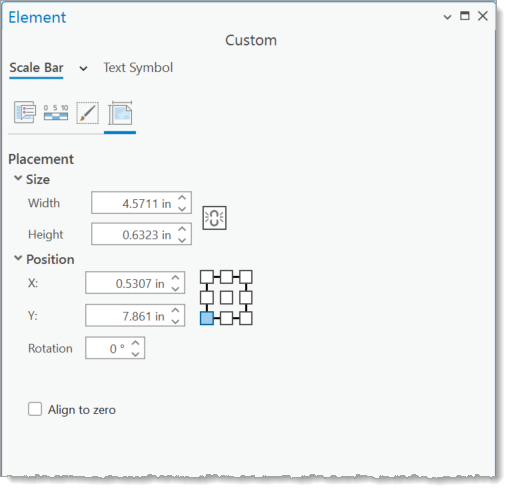
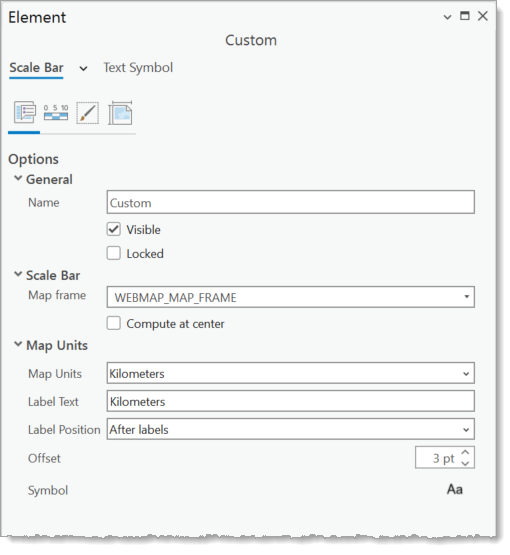
•Element Window: The Element window is opened by either double clicking the element on the map or the element in the Contents window.
Options tab
Properties tab
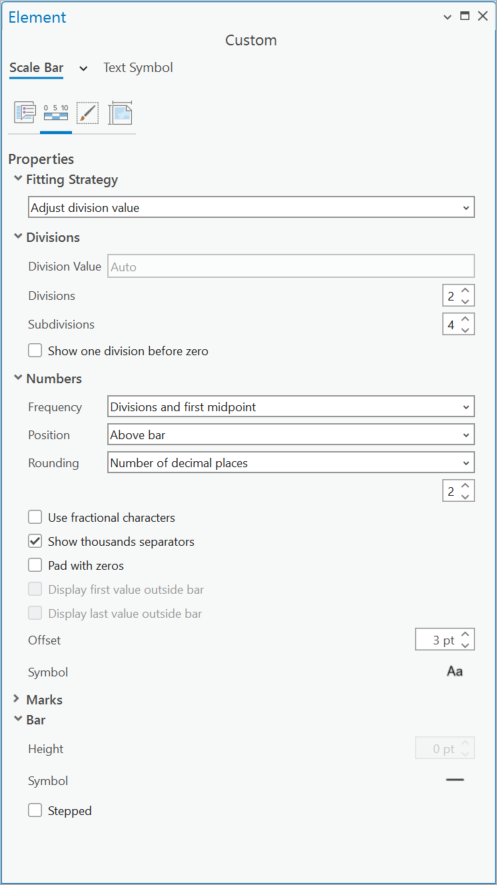
Display tab
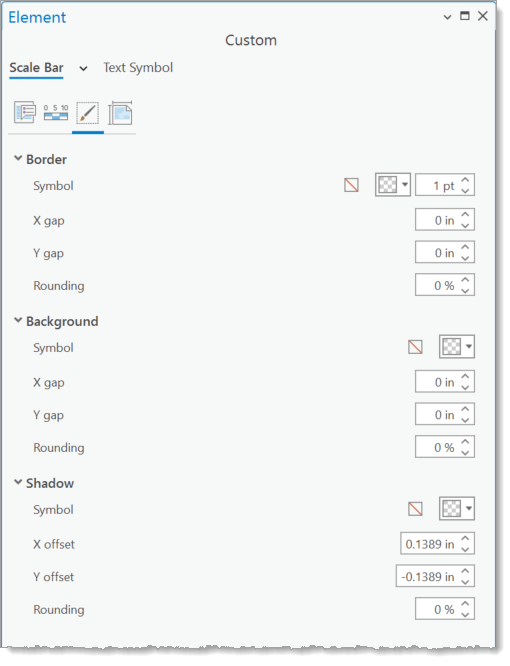
Placement tab