The options are found in Project > Options > Printing.
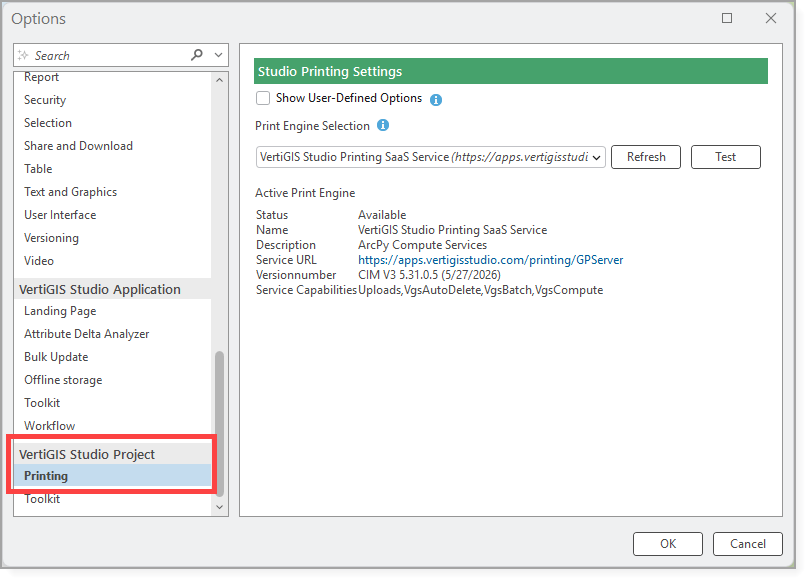
The Print Engine Selection allows you to select the print engine that VertiGIS Studio Desktop uses for print operations. This centralized setting makes it easy to switch between local, on-premises, and cloud-hosted print environments.
The application automatically discovers available print services from the active Portal and displays them in the Print Engine Selection drop-down list.
The following print engine options are available:
•Local Print Engine Toolbox: Uses the local print engine toolbox (geoprocessing tool) installed on the current machine.
•Geoprocessing Service: Connects to a published geoprocessing service that hosts the print engine.
•SaaS Print Service: Connects to the VertiGIS SaaS print service, enabling cloud-based printing.