To edit a chart:
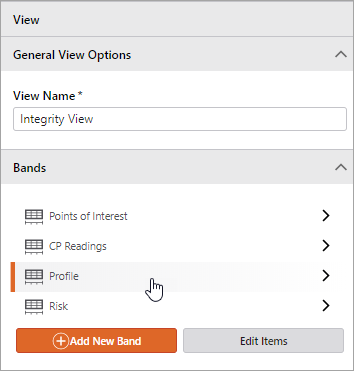
1.In the View panel, the Bands section lists all of the bands configured for the view. Click the band that contains the chart you want to edit.
2.In the Band Options panel, the Charts section lists all of the charts in the band. Click a chart to open the Chart Options panel.
3.To edit the chart options, follow the steps outlined in the previous sections:
