VertiGIS Studio Interface Manager provides an easy-to-use, intuitive interface that lets you find and manage your items.
Find Items
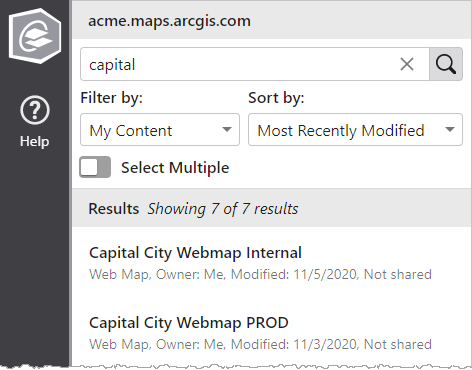
By default, presents a list of your most recently modified items. Use the Search box to find items that match a search term. You can change the filter and sort options to refine your search.
Manage a Single Item
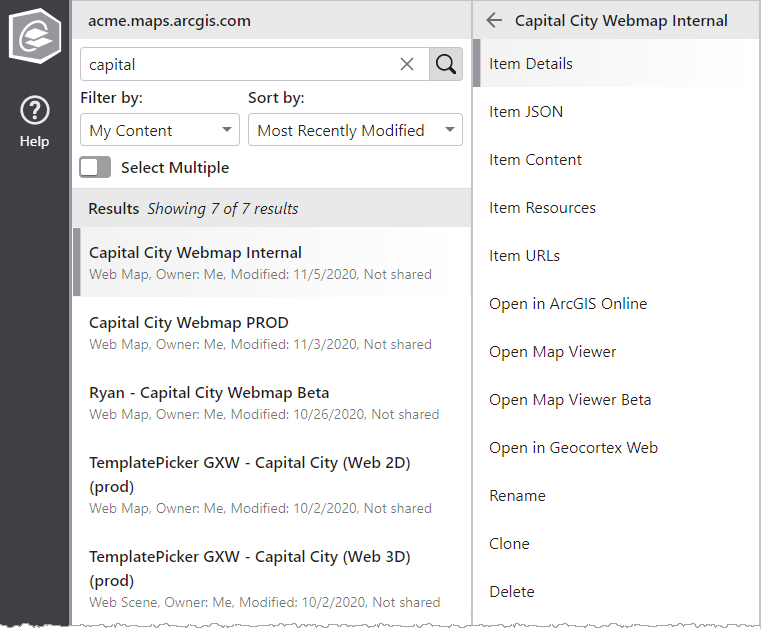
When you select a single item, a list of actions appears. Depending on the type of the item and your permissions, different actions are available.
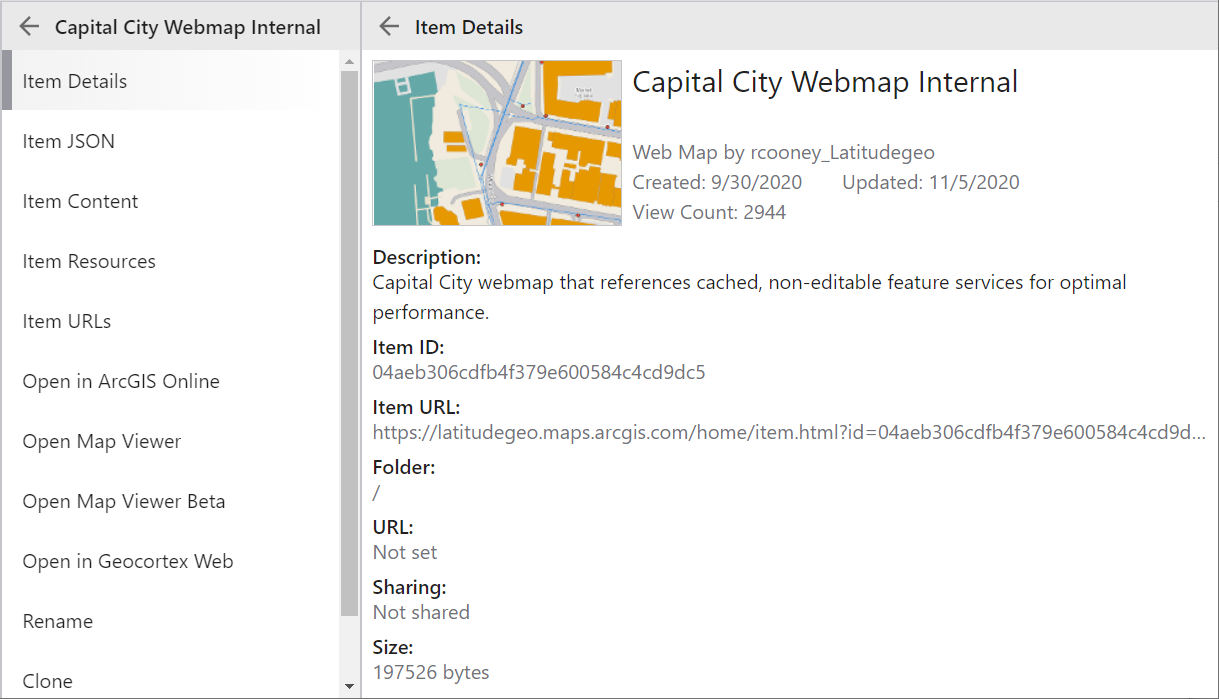
Item Details
The Item Details view presents basic descriptive information about an item, such as the ID, owner, type, title, description and last modified date.
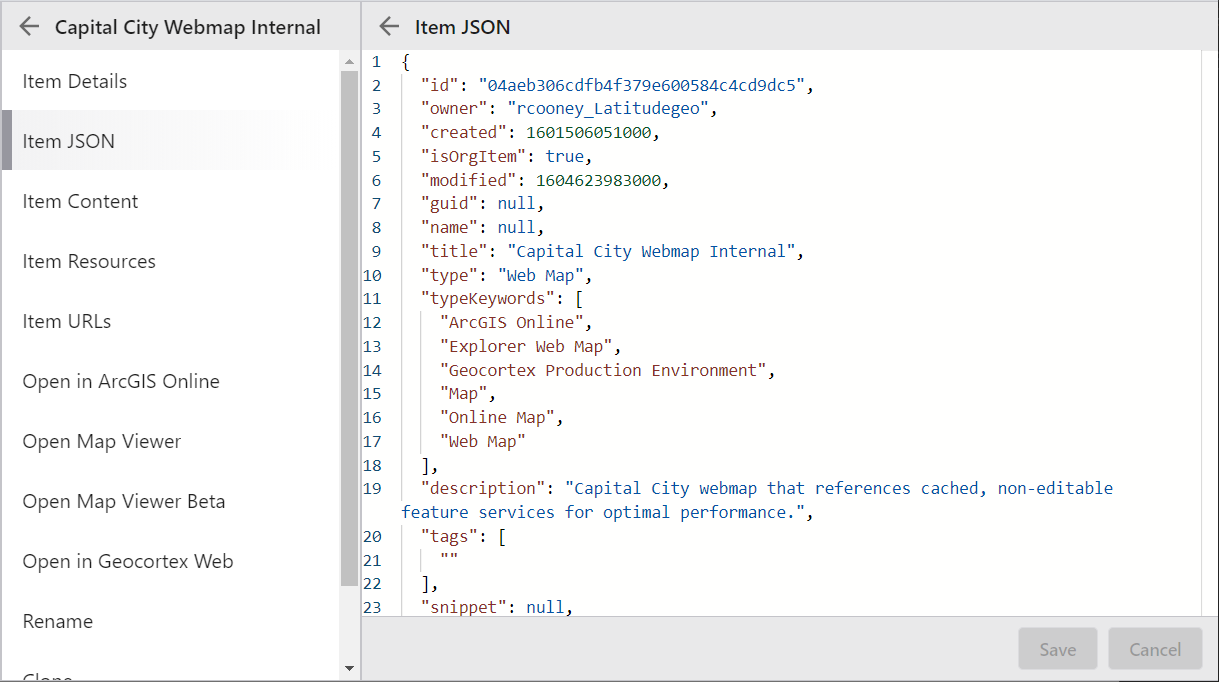
Item JSON
The Item JSON view displays the underlying JSON definition of an item. This view supports editing if you have edit permission on the item.
Not all properties of an item are editable. Many properties, such as id and modified, are managed by ArcGIS.
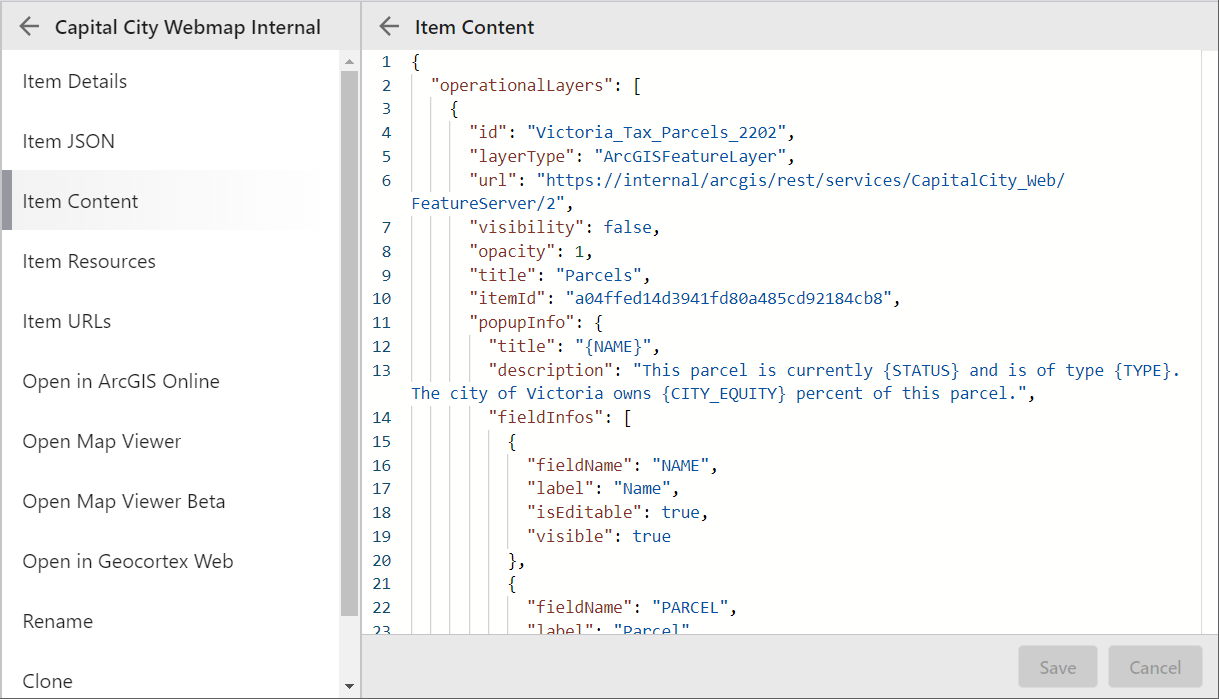
Item Content
The Item Content view displays the underlying text content of an item. This view is only available if the item has text or JSON content that is suitable for display in a text editor. This view supports editing if you have edit permission on the item.
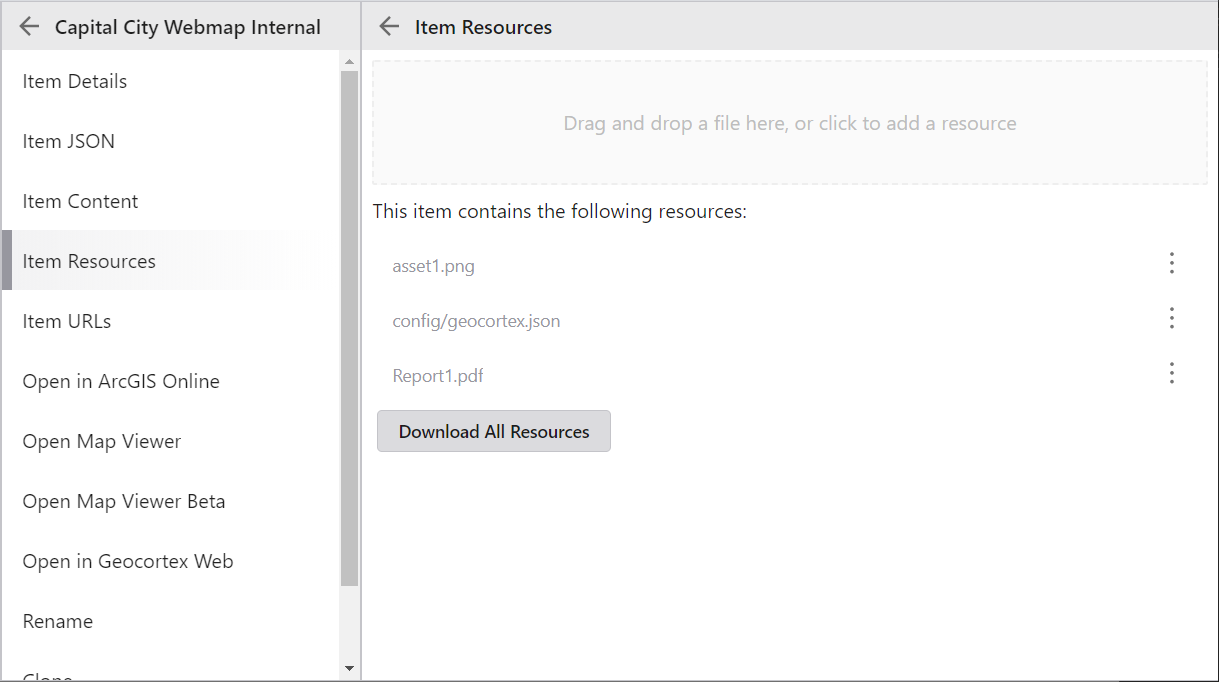
Item Resources
The Item Resources view displays the child resource files of an item. This view supports adding and removing resource files if you have edit permission on the item. The item's owner and organization administrators also have the ability to download the collection of resources as a .zip file.
Manage Multiple Items
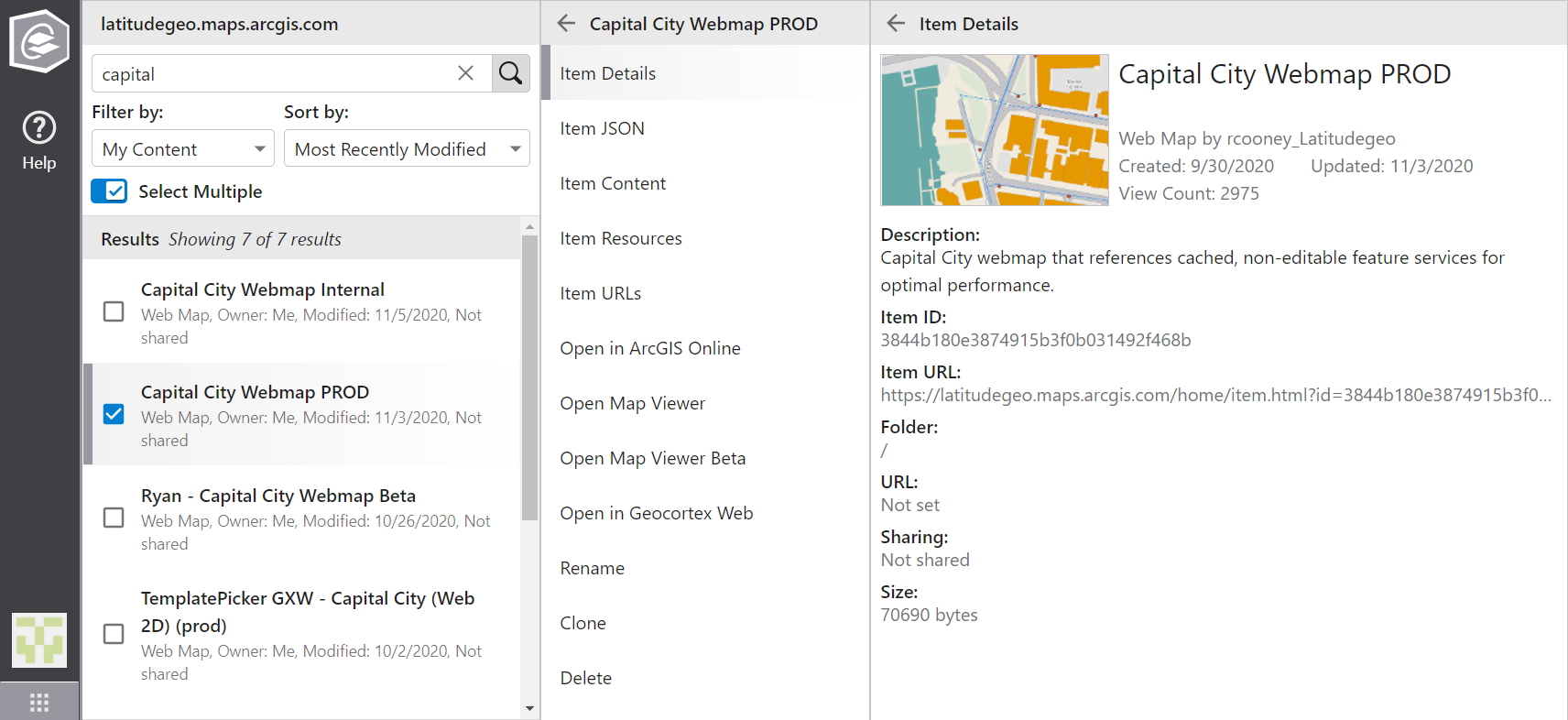
By default, operates on a single item. Enable Select Multiple to select multiple items from the Results list and perform actions that apply to all the selected items. Depending on the number and type of items you select and your permissions, different actions are available.
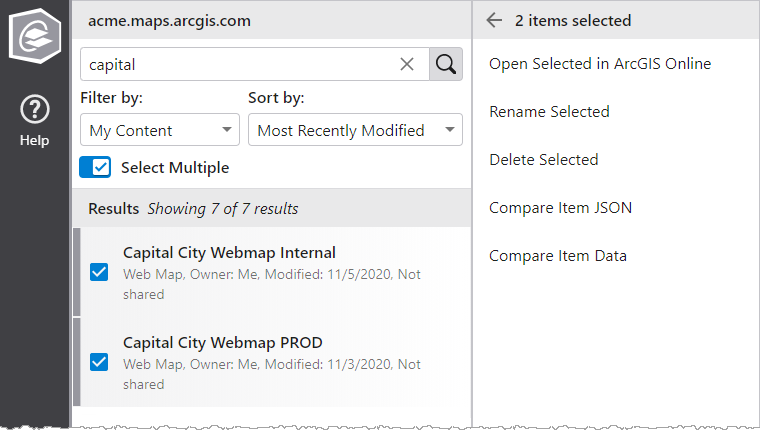
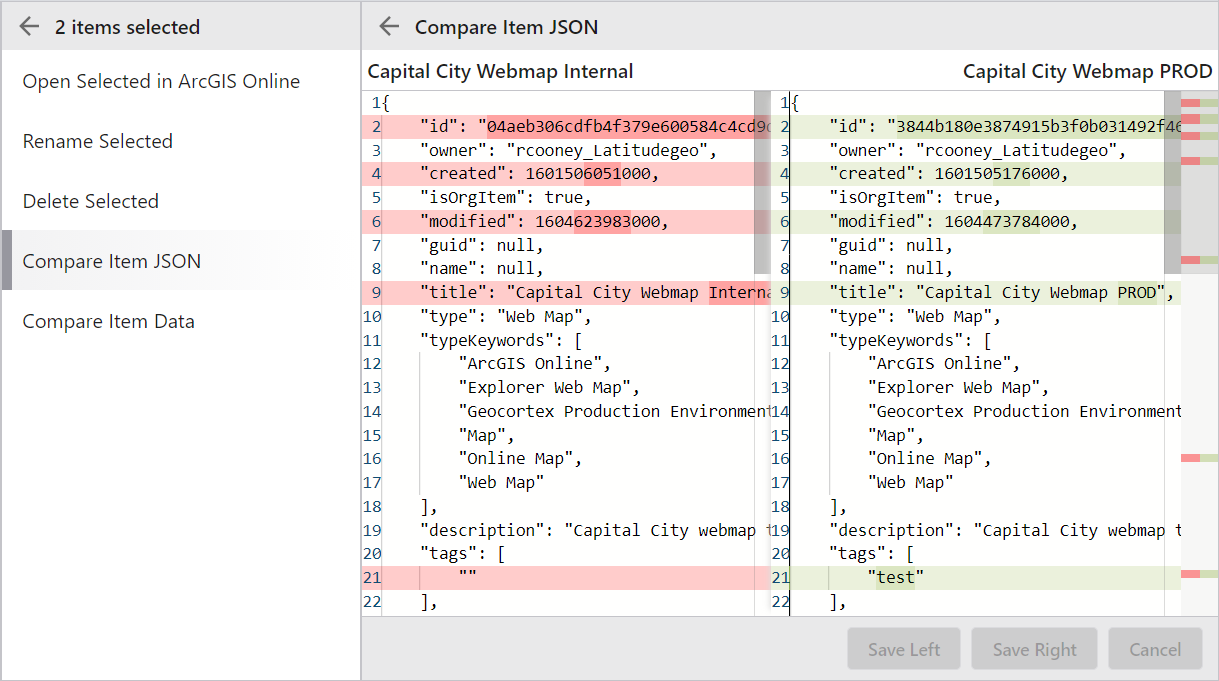
Compare Items
When you select two items the Compare Item JSON and Compare Item Data actions are available. The comparison interface shows the textual differences between the two items. It also supports editing if you have edit permission on the individual items.