If you have VertiGIS Studio Go installed on your computer or mobile device, you can use it to preview the apps that you create in Mobile Designer. Once you have saved your new Mobile app in Mobile Designer, you can open it within VertiGIS Studio Go to preview any ongoing changes you make to the app.
To launch a Mobile app in VertiGIS Studio Go:
1.In Mobile Designer, once your app is configured, click File > Save.
2.On your desktop, click Start and begin typing VertiGIS Studio Go, and then click the VertiGIS Studio Go banner when it appears.
The VertiGIS Studio Go login screen opens.
3. Sign in using either an ArcGIS Online or Portal for ArcGIS account.
A list of apps displays for you to select. The apps are listed in sections based on where they are in the deployment process.
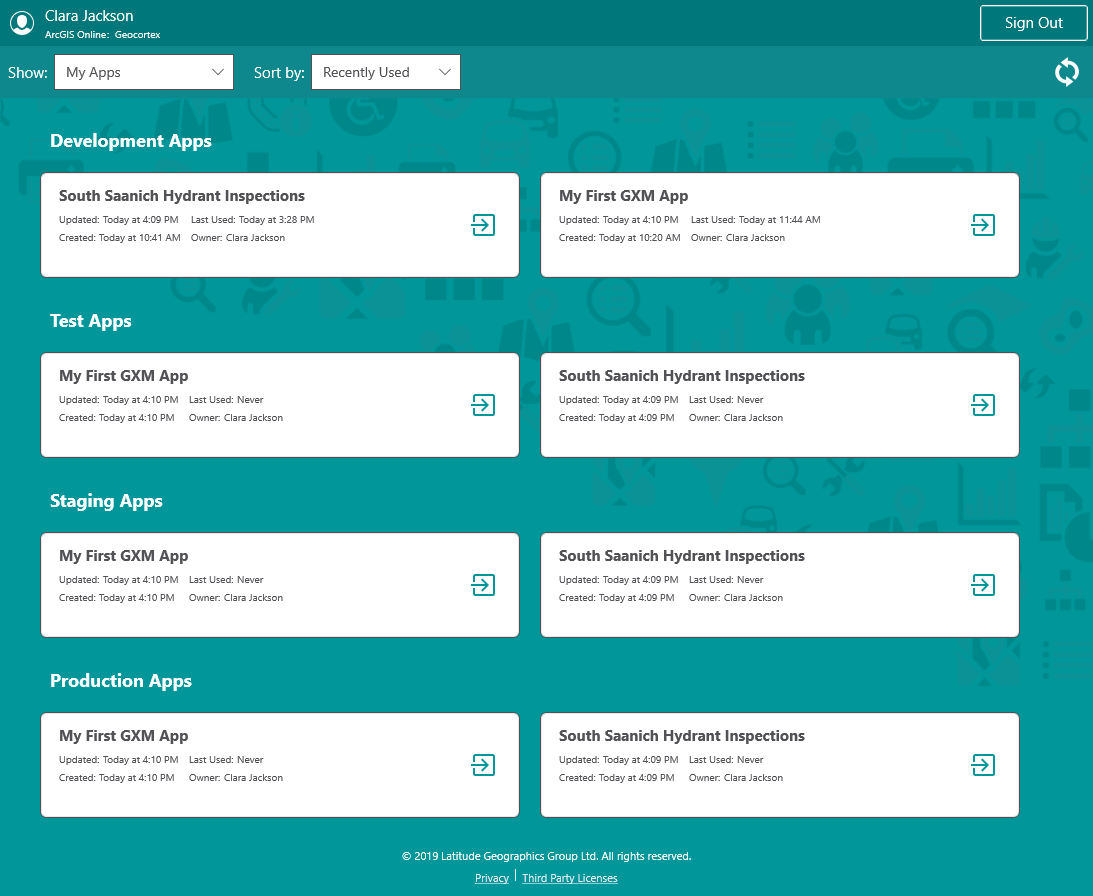
3.Click the white square of the app you want to view.
Your app opens in VertiGIS Studio Go.
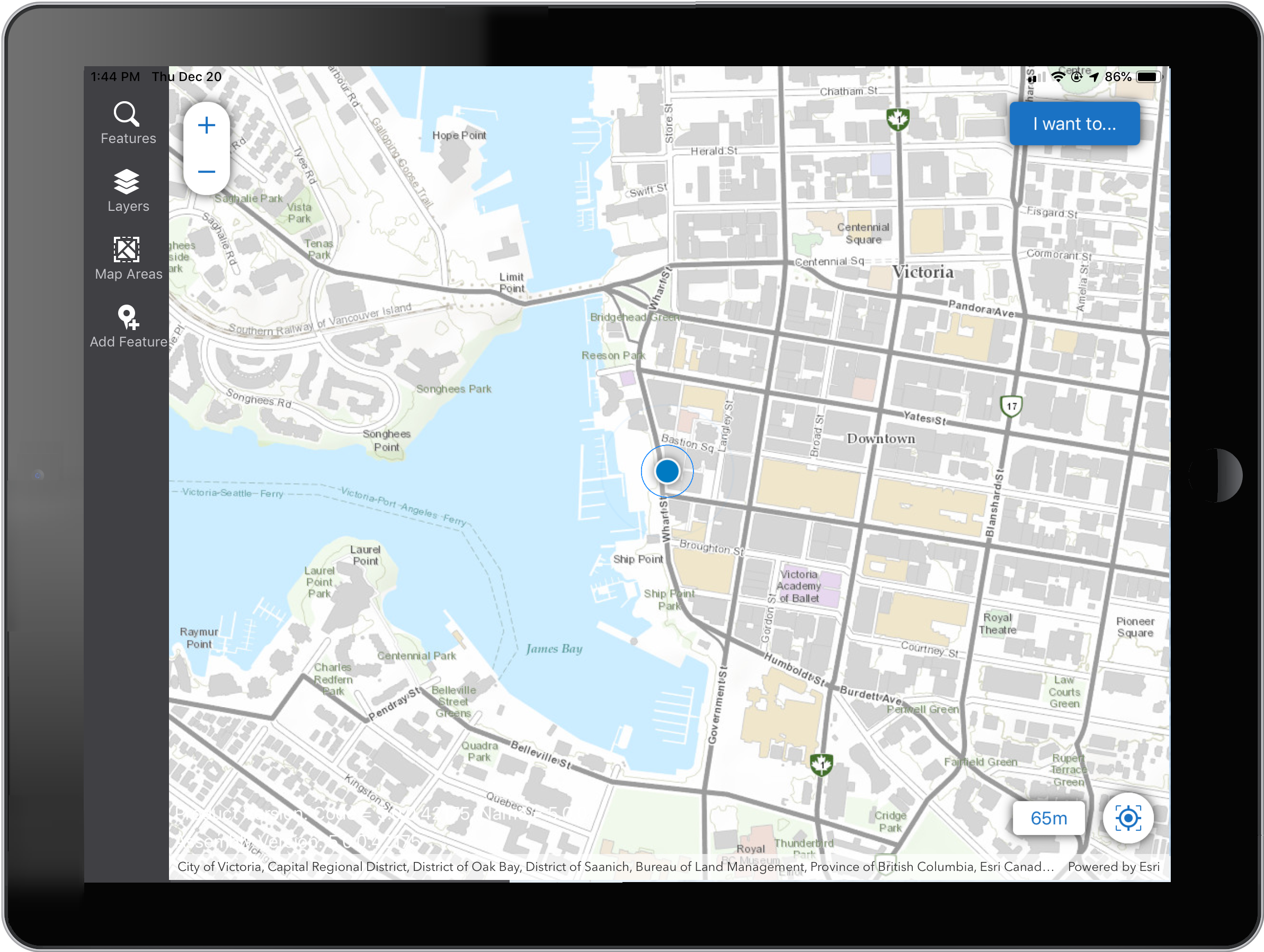
4.When you make changes in Mobile Designer that you want to preview, save the changes, then return to VertiGIS Studio Go. Open the I Want To menu, and then click Refresh App.
5.Your changes appear in the refreshed app.
6.To return to the app selector, click the I Want To menu and then, Return to Studio Go.
