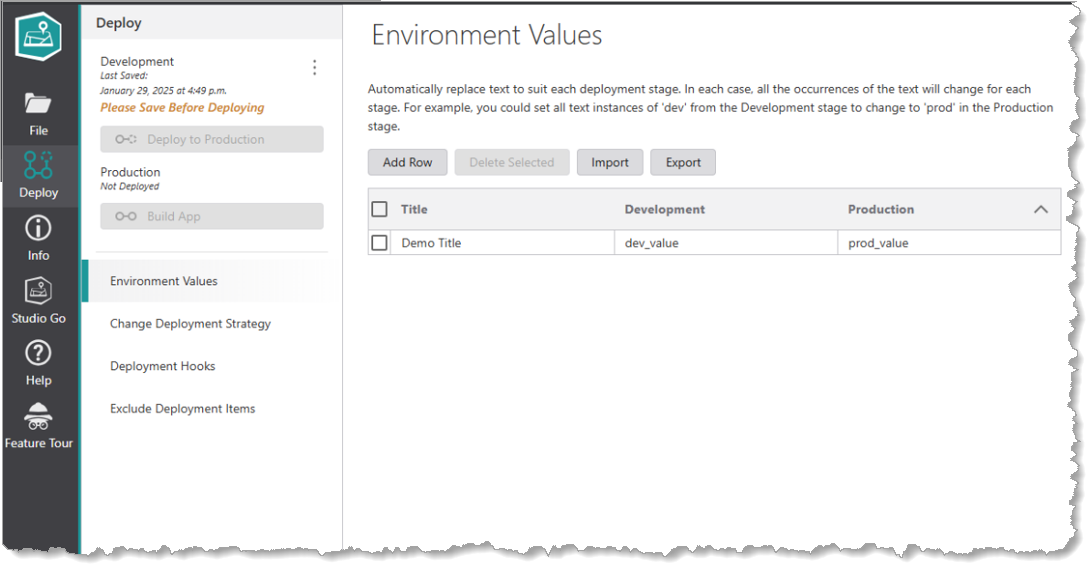
Environment Values allow you to substitute text for each deployment stage. This feature is most useful to allow administrators to easily transfer and reuse configurations across different environments.An optional Title field is available to name environment value pairs for app deployment, making it easier to understand and manage entries at a glance. Rows can be expanded or collapsed, providing a clear overview or detailed view of all configuration entries as needed. Additionally, the search and replace algorithm allows multiple environment values to change a string.
Interface Buttons
The following list shows controls for the interface of the Environment Values section:
•Add Row: Adds a new row to the list of Environment Values.
•Delete Selected: Deletes a selected row from the list.
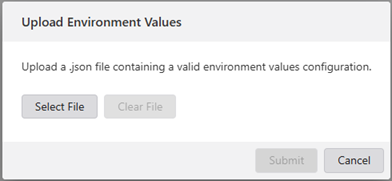
•Import: Facilitates uploading a .json file containing a environment values configuration.
•Export: A .json file containing an environment values configuration will be downloaded.
•Collapse rows: Click the up arrow to collapse the list.
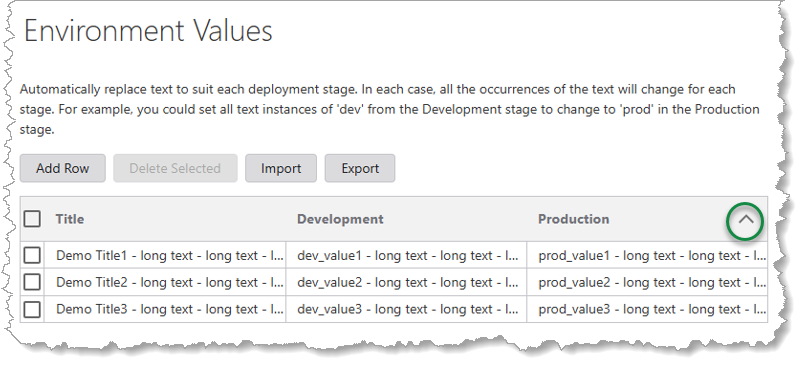
•Expand rows: Click the down arrow next to Production to expand the list.
Any parts of your app that are affected by these text changes are listed in the Deployment Summary window that appears when you deploy your app from one stage to another.
