The Insert section in the Studio Printing toolbar contains the New Layout icon. Click New Layout to open a layout selection window. It contains many standard print sizes to choose from.
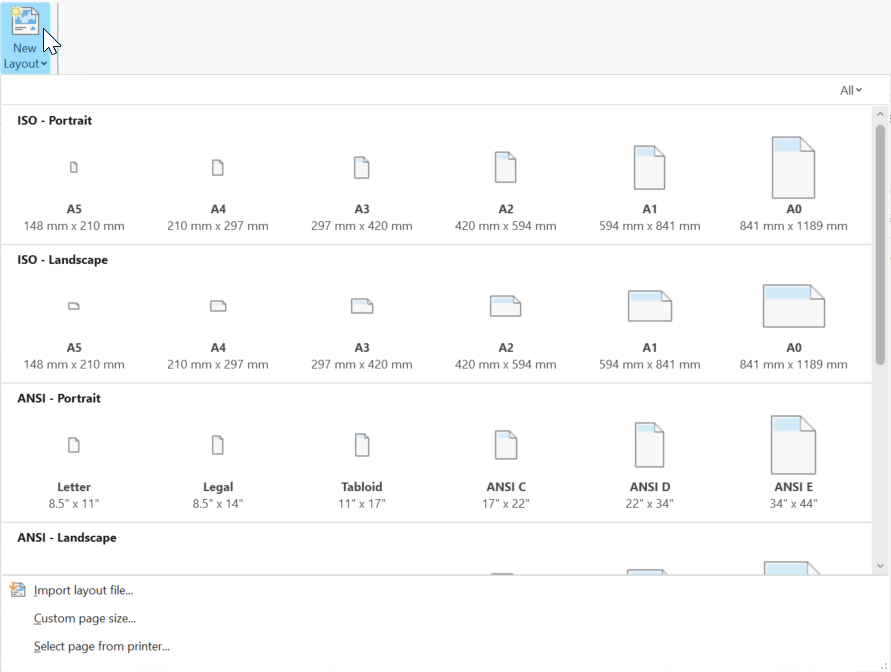
Optionally, you can perform the following for non-standard paper sizes:
•Import layout file: A layout is added to the project and opened. A copy of the layout and any maps included in the file are added to the project. Future changes to the file are not reflected in the project.
•Custom page size: Create a new layout using a custom page size.
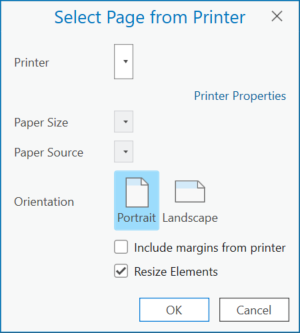
•Select page from printer: Copy page size from a printer.