ArcGIS Pro with Studio Desktop is licensed software and based on the number of ArcGIS identities (named users for ArcGIS Online and Portal for ArcGIS) that your organization has.
To obtain a Studio Desktop license, contact Customer Service.
To license ArcGIS Pro, see ArcGIS Pro licensing.
To manage licensing, go to Settings > Licensing.
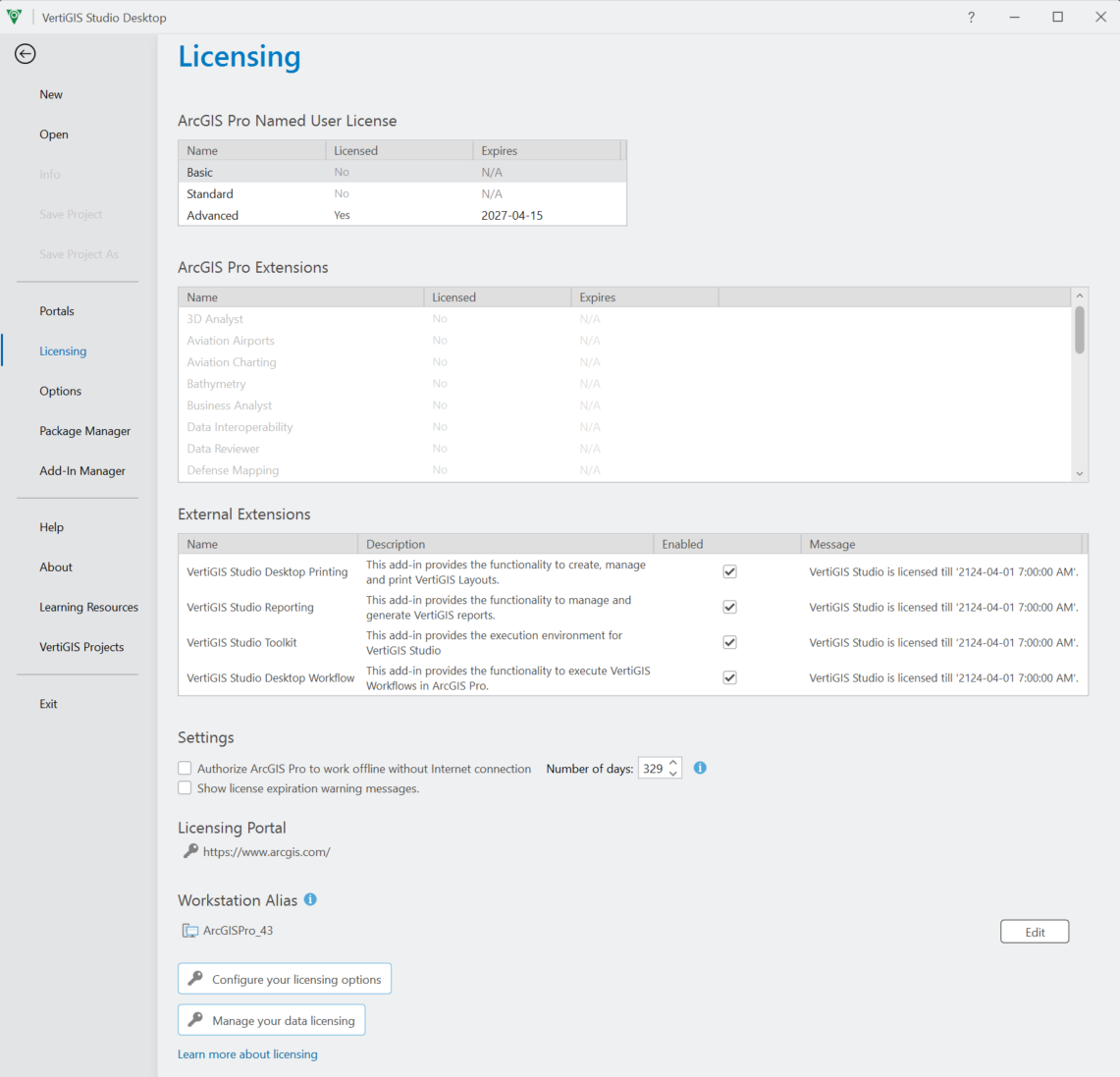
In the Licensing window, you can see the status of your license and manage External Extensions.
If the license activation fails, it is recommended to consult the log file. The log file is located in the local appdata folder:
%APPDATA%\VertiGIS\Studio\Desktop\Installer\log.log