To copy a band, follow these steps:
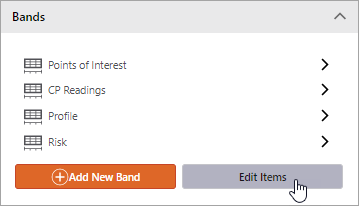
1.In the View panel, the Bands section lists all of the bands configured for the view.
2.To copy a band, click Edit Items.
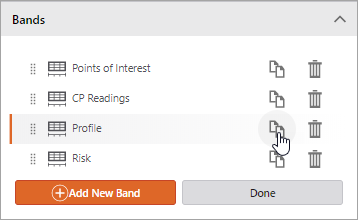
3.Click the appropriate Copy button.
The band is copied to the Designer workspace and listed in the Bands section of the View panel.
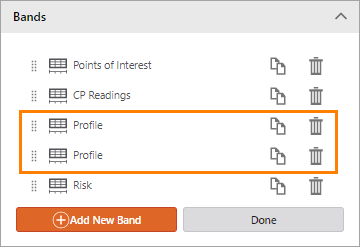
4.Click Done.
