You can delete a band from the View panel or from the Band Options panel.
To delete a band from the View panel:
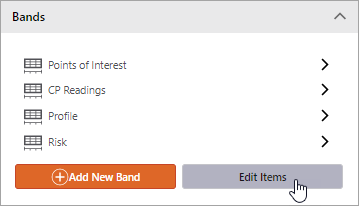
1.In the View panel, the Bands section lists all of the bands configured for the view.
2.To delete a band, click Edit Items.
3.Click the appropriate Delete button.
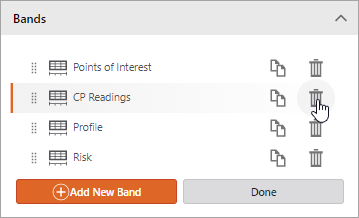
4.You will be prompted to confirm the deletion. Click Yes to proceed or No to cancel.
5.Click Done.
To delete a band from the Band Options panel:
1.In the View panel, the Bands section lists all of the bands configured for the view.
2.Click a band name to open the Band Options panel.
3.In the upper-right corner of the panel, click the More button.
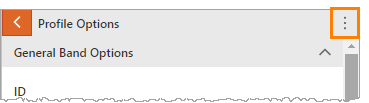
4.Click Delete.
5.You will be prompted to confirm the deletion. Click Yes to proceed or No to cancel.
