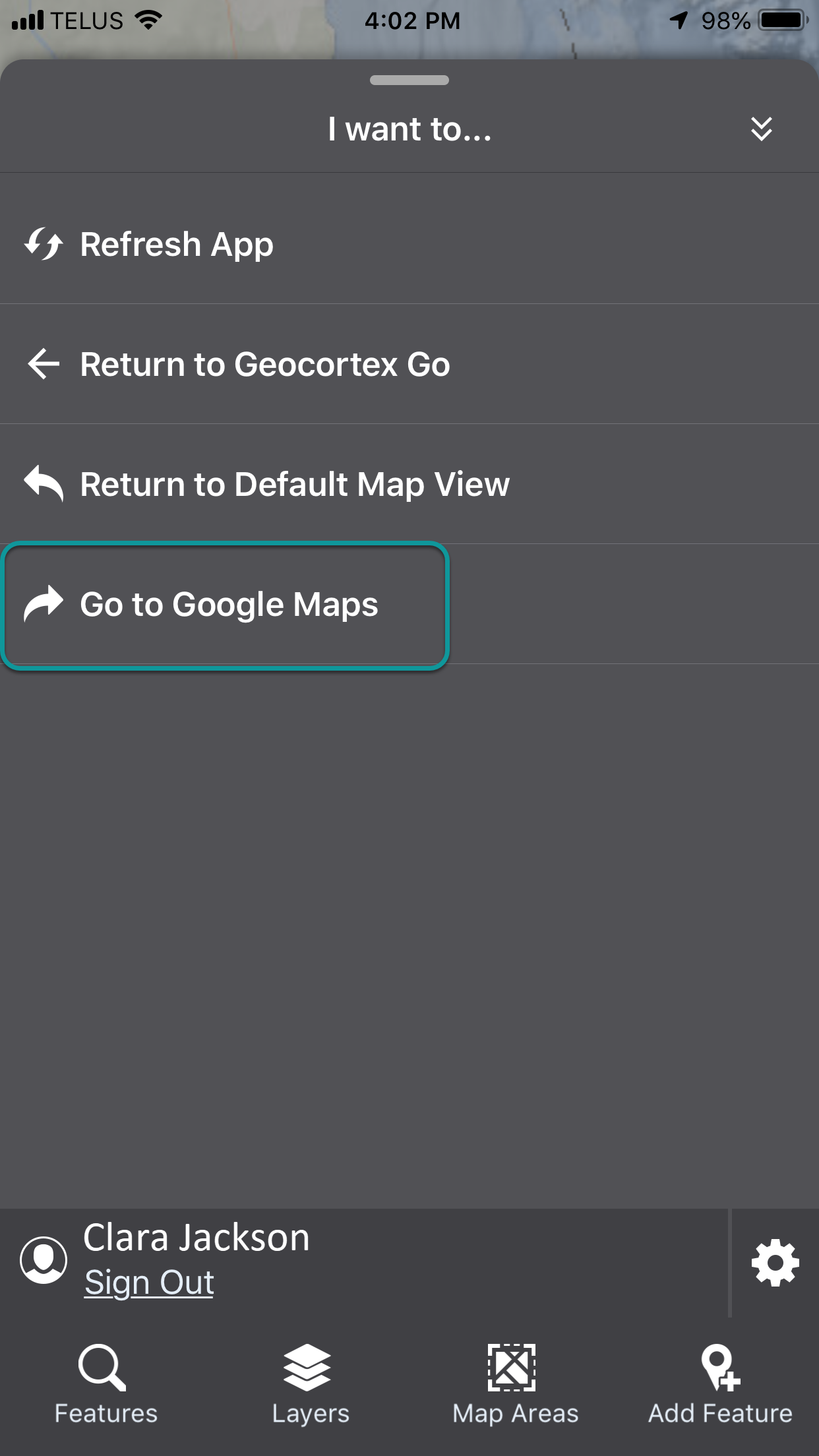
To create an I Want To Menu item that launches a URL:
1.In Mobile Designer, in the Components panel, click I Want To Menu, and then Add Menu Item.
The Select Command window appears.
2.Click Open a URL.
3.Click the new menu item.
4.In the Title box, type in the Menu Item name as it will appear in the I Want To menu.
5.Optionally, select an Icon.
6.Find the URL box with the https://www.google.com example URL.
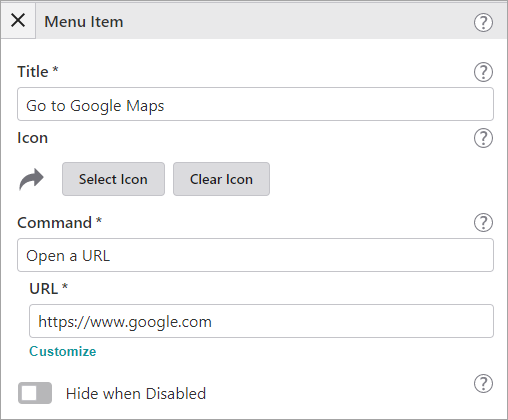
7.Replace the example URL with the URL that you want to launch, and then save the app.
8.Open your app to preview the change in VertiGIS Studio Go, or if the app is open, click Refresh App in the I Want To menu.
9.Click the I Want To menu.
The new menu item appears. When you click it, Google opens.