The deployment process in Mobile Designer makes it possible to move an app through several stages after the app is configured. These stages include Development, Testing, Staging, and Production. You can also change the deployment strategy to include the optional stages: Test and Staging.
Movement of the app through these stages is only in one direction. For example, if you are in the Production stage and need to edit a component, you can only edit the component in the Development stage. That means that you need to return to the Development stage, make the changes and then move the app through the other deployment stages again.
To change your deployment strategy:
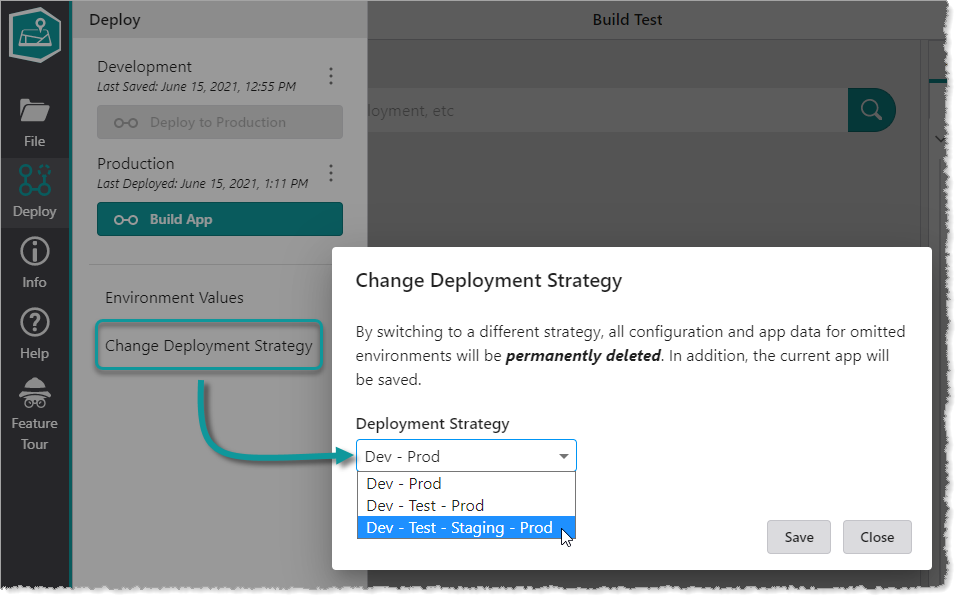
1.In Mobile Designer, click Deploy > Change Deployment Strategy.
2.In the Deployment Strategy drop-down list, select the strategy you want to use.
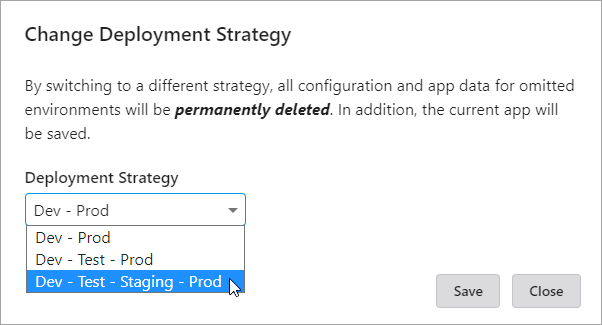
3.Click Save.
