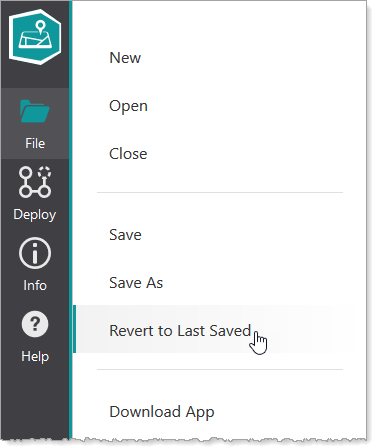
You can revert to the last saved version of the app at any time, assuming the app has been saved at least once. This has the same effect of closing the app and reopening it. This is useful when you want to discard all changes to your app.
If you want to discard only layout changes but keep other configuration changes, see Revert to the Last Saved Layout.
To revert to the last saved app, click File > Revert to Last Saved.