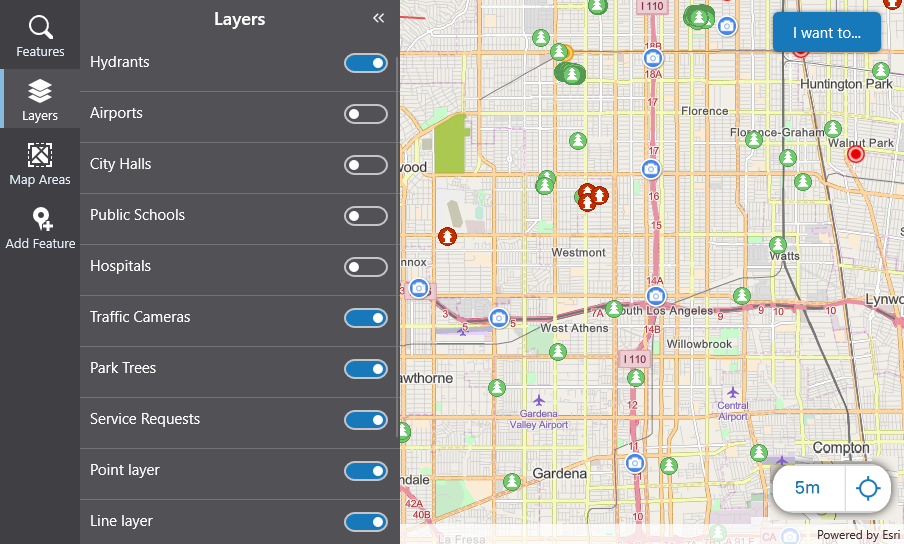
If you are using a complex map with many layers, you are likely to need to turn some layers on and others off, so that you can focus on a particular set of features.
When you turn a layer off, its features are no longer included in searches.
To turn layer on or off:
1.In the taskbar of the Mobile app, click Layers.
The Layers panel displays a list of all the layers in the map with switches beside each one.
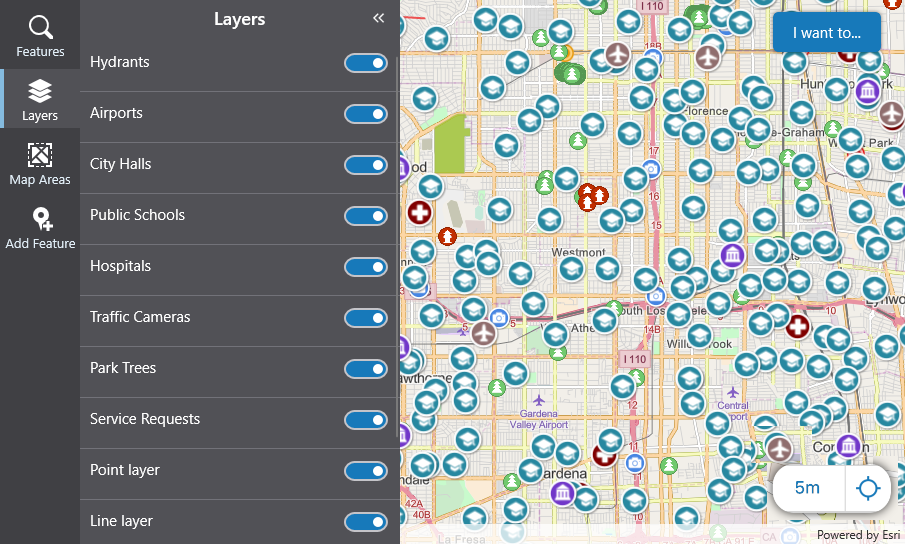
2.To turn a layer off, click the switch on that layer.
The symbols for all those features disappear from the map.