The Format String Editor allows you to apply formatting to print template data. The editor can be opened by clicking the ... in the Text Format String Editor property.
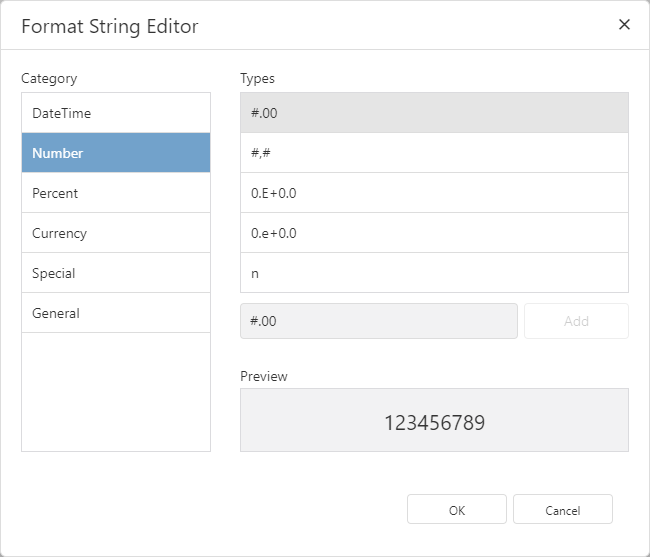
The Format String Editor Dialog
The editor offers a variety of built-in formats, which are divided into the following categories:
▪DateTime
▪Number
▪Percent
▪Currency
▪Special
For more information on the format specifiers used in each of the categories, see Format Specifiers.
A preview box at the bottom of the editor gives an example of what your formatting choice will look like with some example data.
Creating Custom Formats
In each of the categories, you can modify or create your own format in the field next to the Add button. To save the format to the category, click Add.
In the General category, you can specify a custom prefix and suffix for your value.
When customizing a string format in any category, the Format String Editor supports the use of ASCII characters. This may be helpful when specifying values such as km2, which requires special characters.
