The first time you run the Post Installer, it creates a local user account called VSP_runner that VertiGIS Studio Printing uses in its back-end operations. This account is required for running prints.
You can modify the account in the Post Installer, in case you need to:
•Update the password if it expires.
•Change to a different local user or to a domain user.
A domain user is required to access Windows-secured ArcGIS Server running on a different machine.
The account can be a local user or a domain user, but not a machine account. The account must have the "Allow log on locally" user right.
To modify the user account:
1.If you want to use a different account, create the account.
2.Open the Post Installer.
3.Click the VertiGIS Studio Printing icon  in the upper left corner and select Service Account.
4.If you created a new account, enter the name of the account in the Account box.
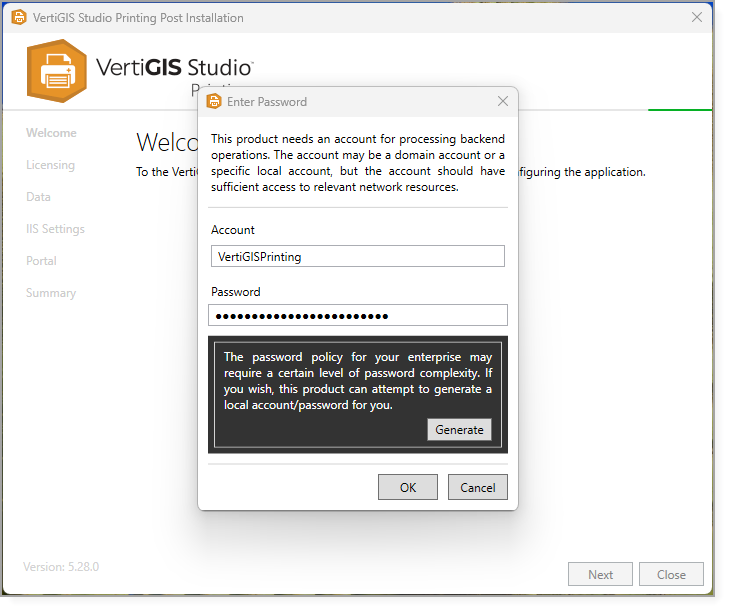
5.Enter the password and click OK, or click Generate to create a password automatically.
6.Close the Post Installer when you are finished.
