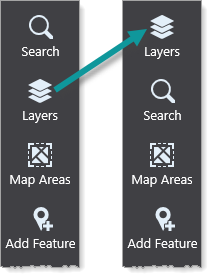
You can move a component by dragging its drag handle to a different position.
The following procedure moves the Layers panel to the top of the taskbar.
To move a component:
1.While editing your app in Designer, in the Components panel, find the Panel component titled Layers.
In order to more easily understand the layout structure, click the expand button ( )beside container components to collapse them.
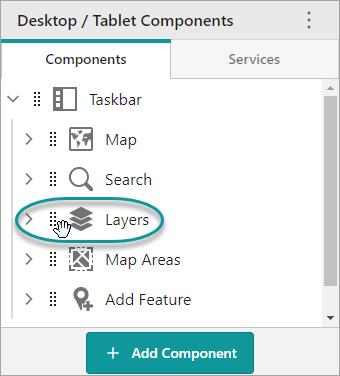
2.Click and drag  beside the Layers panel to the position above the Search panel.
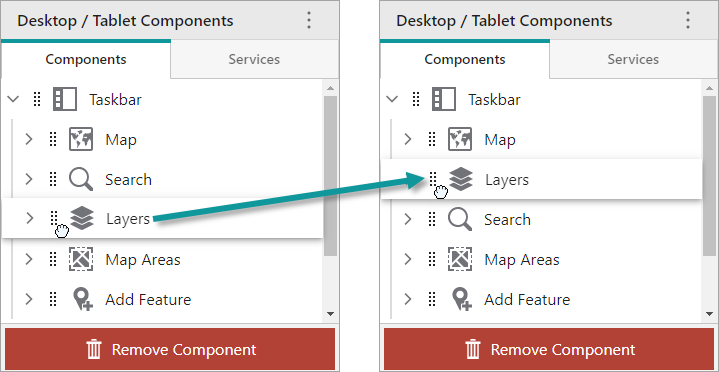
3.Click File > Save.
When you refresh the app in VertiGIS Studio Go, the Layers panel is now at the top of the taskbar.