To set deployment options for a workflow:
1.Open Workflow Designer and click the Info icon in the toolbar.
2.In the menu, select Deployment.
3.In the options, select the VertiGIS Studio Mobile Viewer.
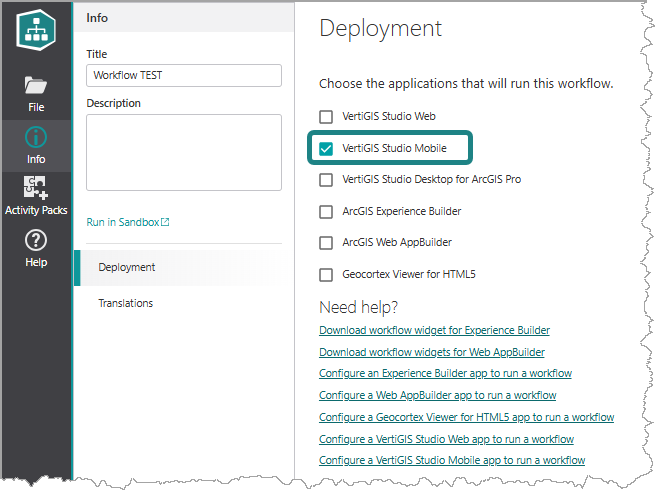
Now, the list of activities will only list those activities that will work with Mobile apps and offline.
You can open Workflow Designer directly from within Mobile Designer. Click the  icon at the bottom of the toolbar, and then click Workflow.
