To install VertiGIS Studio Reporting:
1.Run the VertiGIS Studio Reporting installer.
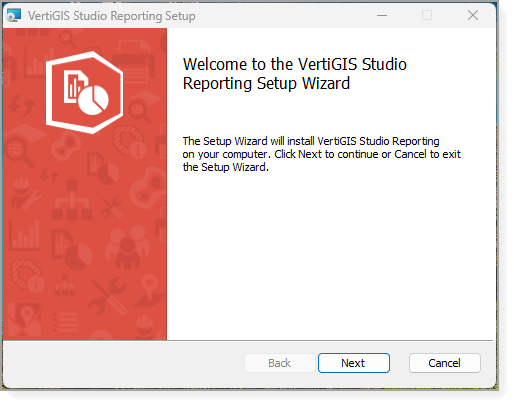
2.Click Next.
The End-User License Agreement panel opens.
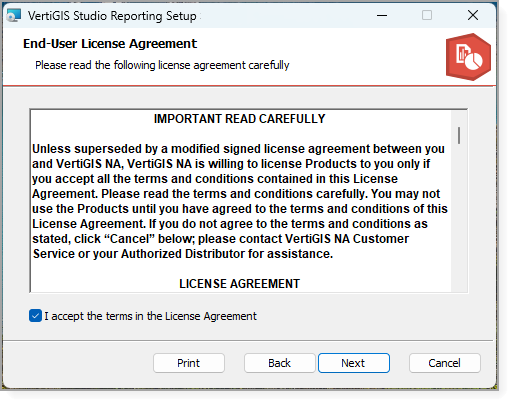
3.Read the license agreement.
To print a copy of the agreement for your records, click Print.
4.If you agree to the terms of the license agreement and supporting documents, select the I accept the terms in the License Agreement checkbox, and then click Next.
The Destination Folder panel opens.
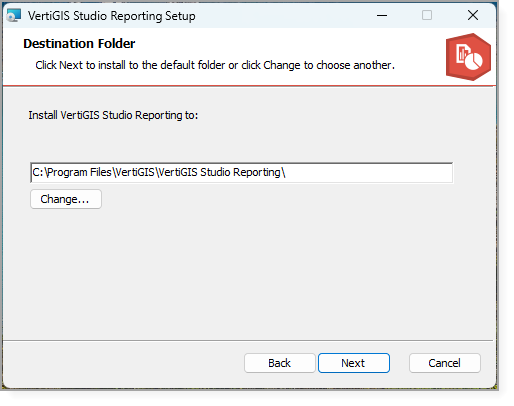
5.Select a location to install VertiGIS Studio Reporting, and then click Next.
By default, VertiGIS Studio Reporting is installed in C:\Program Files\VertiGIS\VertiGIS Studio Reporting\.
The Ready to Install panel opens.
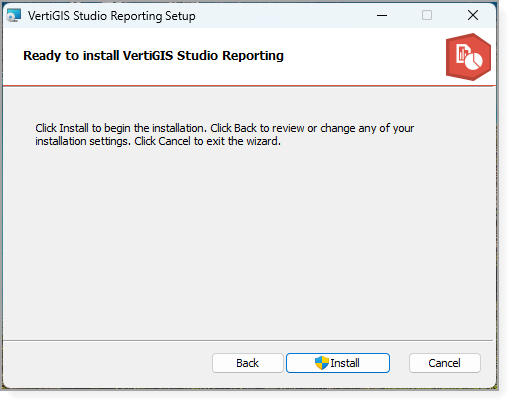
6.Click Install and wait for the installation to complete.
The Completed panel opens.
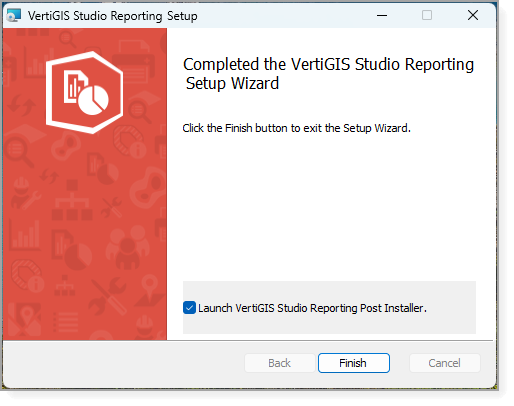
7.Make sure the Launch VertiGIS Studio Reporting Post Installer checkbox is selected and click Finish.
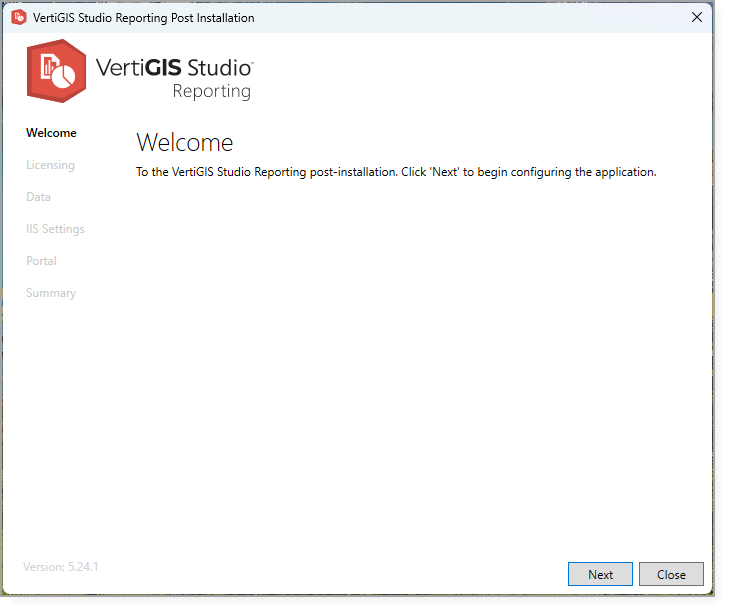
VertiGIS Studio Reporting Post Installer
8.Follow the steps in Configure Post-Installation Settings.
