A VertiGIS Studio Reporting widget is available from the ArcGIS Marketplace. You can use this widget to create PDF reports from data inside your ArcGIS Online edition of Web AppBuilder.
This section explains how to deploy the hosted widget into a Web AppBuilder application and share it with Web AppBuilder authors and end users.
The following are important items to note before you begin:
•Hosted widgets are only available for Organizational ArcGIS Online accounts.
•ArcGIS Online does not currently allow hosted widgets to be used in public apps. Only signed-in users from the same organization are able to run the widget.
•You must share the widget with Web AppBuilder authors and end users before they can access it. The deployment process is straightforward if you create the appropriate ArcGIS Online group beforehand. See Create Groups for instructions.
To register the Reporting widget with Web AppBuilder in ArcGIS Online:
1.Open ArcGIS Marketplace - Hosted Widgets and sign in with your Esri credentials.
2.Click the VertiGIS Studio Reporting widget.
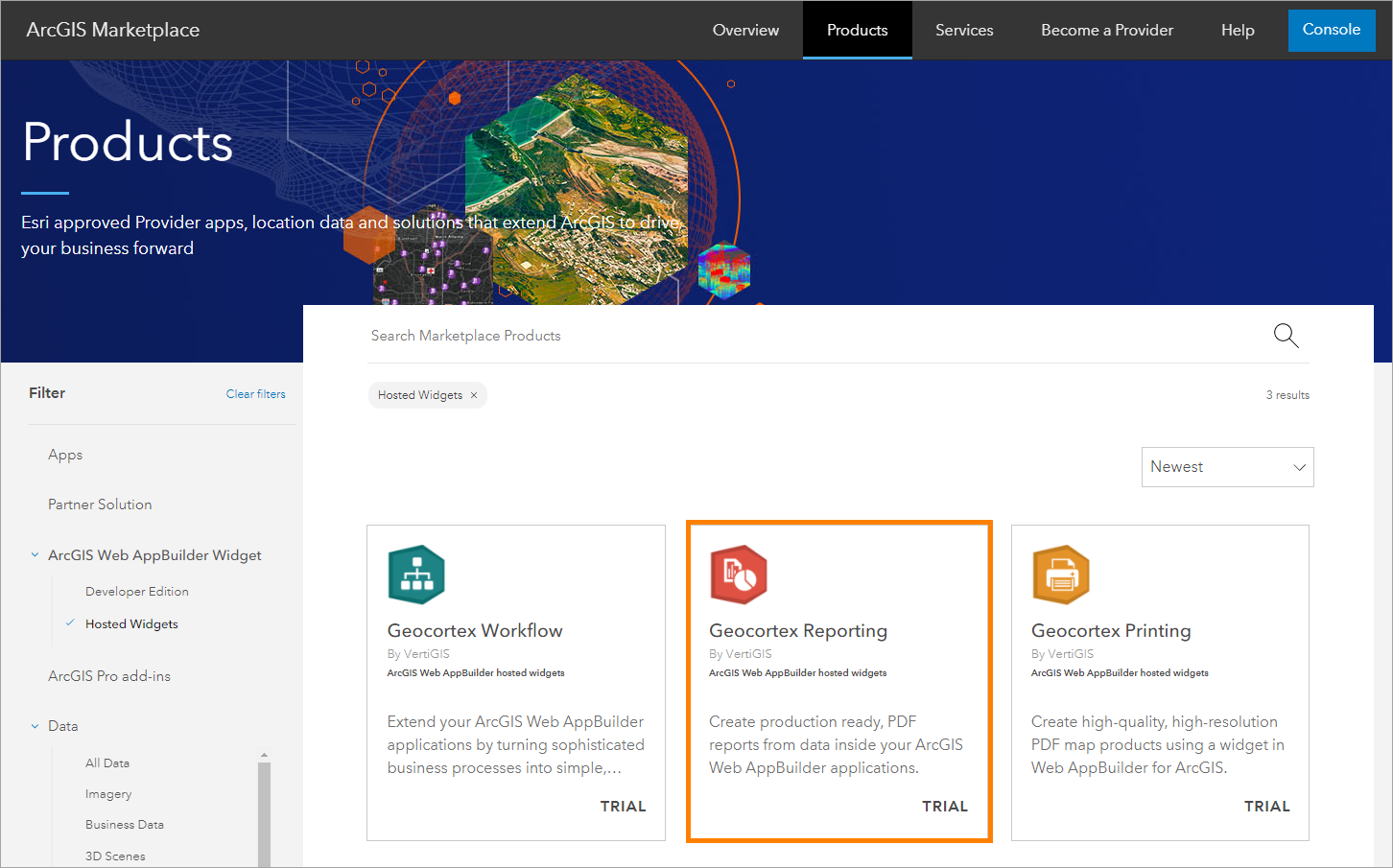
ArcGIS Marketplace - Hosted Widgets
3.Click 60-Days Trial.
Even if you already have a VertiGIS Studio license, select the 60-day trial option. Your trial is automatically converted to a subscription, so you can use the widget right away.
4.Fill out the contact information and click Submit.
A confirmation appears that your free trial is active.
5.Sign in to the Console.
The widget appears in the Apps Data tab.
6.Click Manage Sharing.
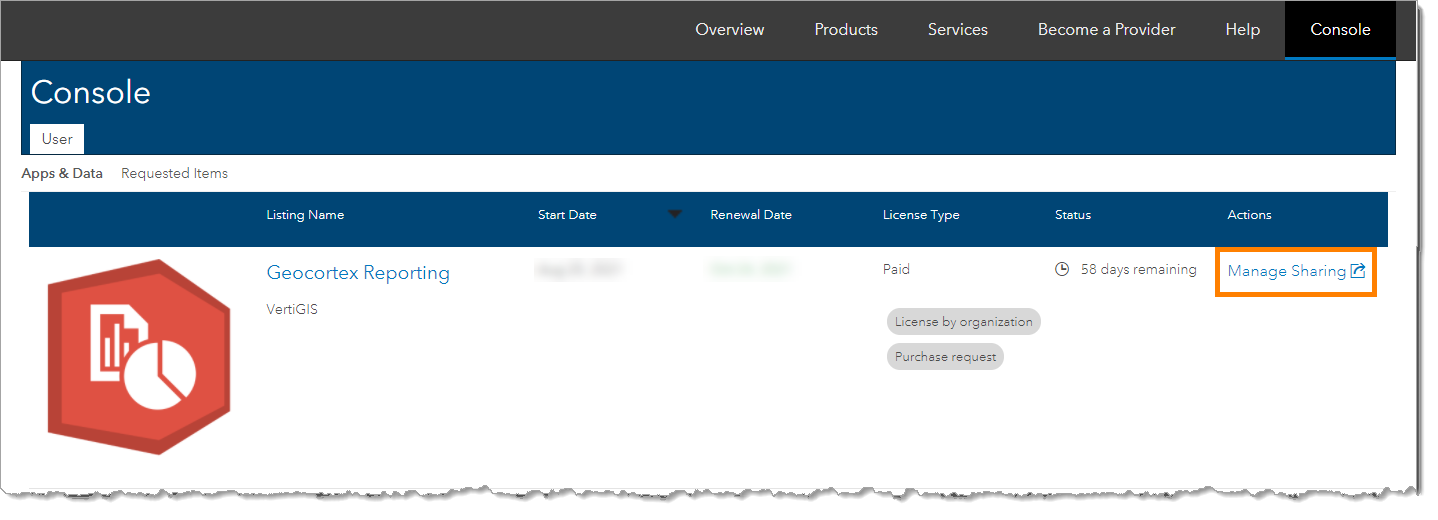
ArcGIS Marketplace - Console
7.Select the group of authors and end users you want to access the widget.
8.Click OK.
The steps differ slightly if you have already shared the widget and you want to edit the sharing group. In this instance, when you click Manage Sharing you are directed to the Marketplace listing. Click Share. Ignore the message about insufficient permissions and click Edit group sharing. Make your changes and click Save.
The Reporting widget is now available in Web AppBuilder for the specified group of authors and end users.
See also...
YouTube Tech Tips video: Deploying the Hosted Widgets
