This procedure applies to Studio Web apps only. For Universal apps, see Create a Universal Resource.
This procedure explains how to add a resource (that is, a layer) in VertiGIS Studio Web to make it searchable using Studio Search.
When you configure a resource, Studio Search indexes its data so that users can search the data efficiently and receive relevant results.
To create a Studio Web resource:
1.Open Studio Web Designer.
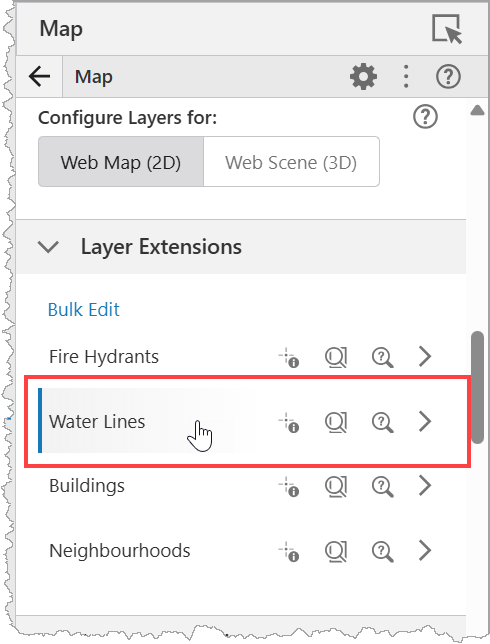
2.In Components tab > Map > Layer Extensions, select a layer.
3.Navigate to the Task Settings and choose VertiGIS Studio Search as the Search Type.
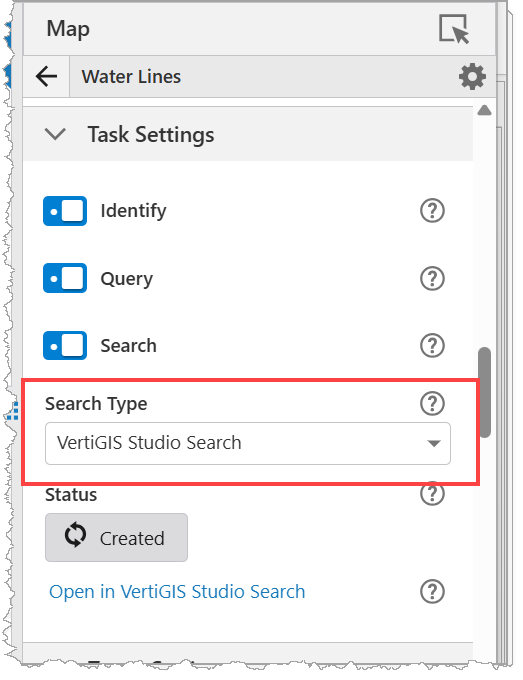
When successful, the Status changes to Created.
4.Click Open in VertiGIS Studio Search to open the Resource Configuration page for newly created resource.
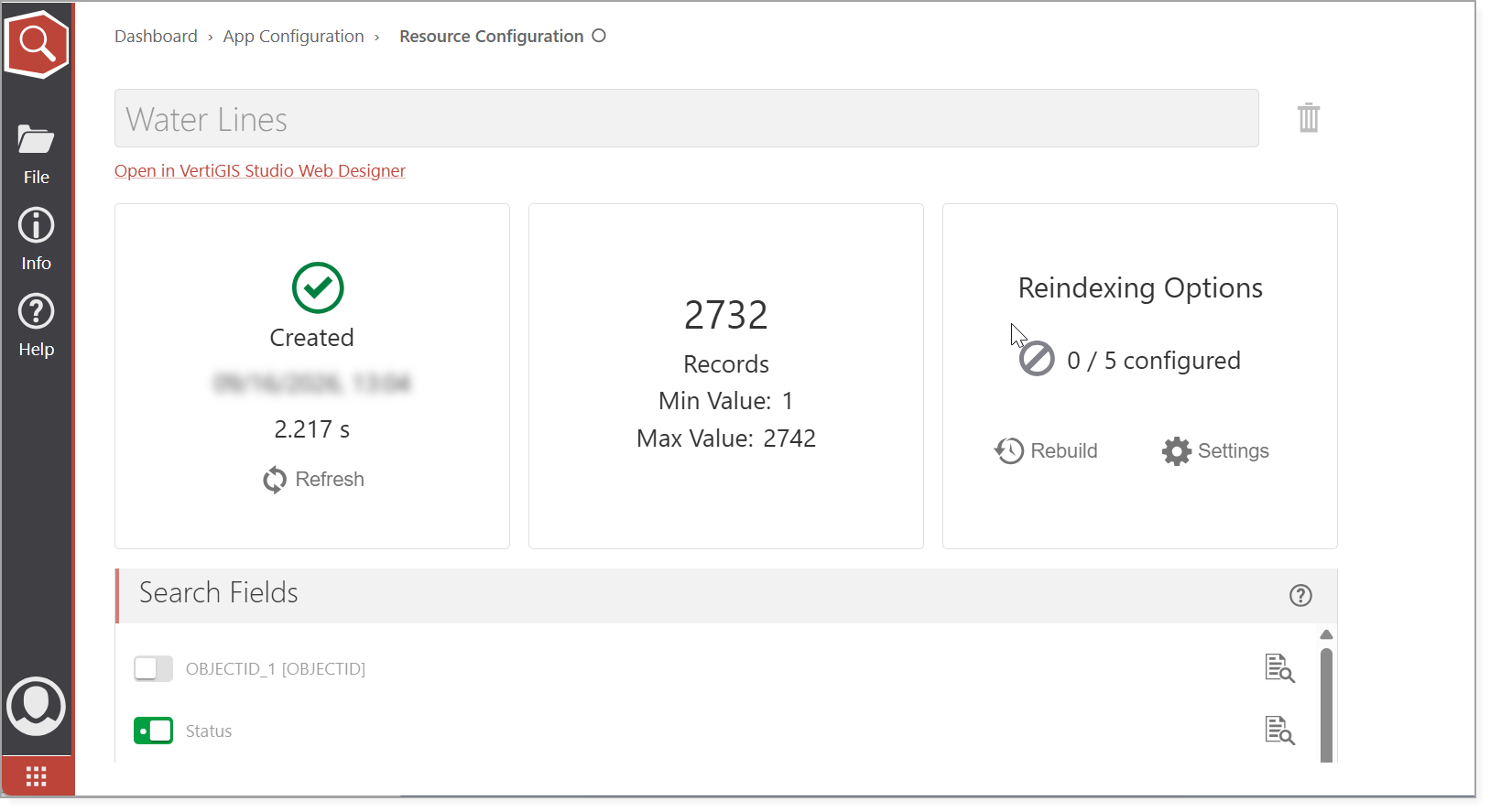
From here, you can configure the search suggestions and the reindexing options.