You must configure the Geodata Service before you can add the Import from FGDB command.
A File Geodatabase (FGDB) is an Esri data format that stores geographic datasets in a folder with a .gdb extension. Because it is a folder rather than a single file, it must be compressed into a ZIP file before it can be uploaded using the Import from FGDB command. During the import process, the ZIP file is extracted and the geodatabase contents are read. The coordinate system handling is performed automatically during import.
An FGDB does not contain styling information.
To add the Import from FGDB command:
1.Expose the Import from FGDB command through one of the following:
•A Toolbar
•The I want to… menu
•A Button
In our example, we add the Import from FGDB command to the I want to... menu.
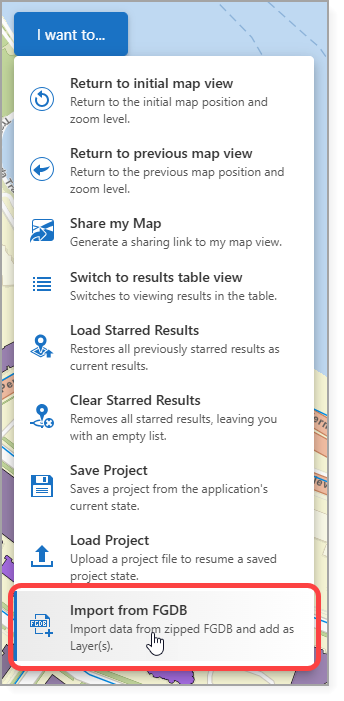
2.Save the app.
Depending on the sharing and security settings configured when the services were published, users may be prompted to provide a username and password when importing a FGDB file.
See Standard Commands for more information on the Import from FGDB command.